What it does
- Generates at least twenty candidate scenarios from your context (typically 25 to 40), screens them and keeps the 10 most material
- Estimates threat probability, exploitation, expected and maximum damage, resilience and criticality, with a confidence level for each
- Scores technical vulnerabilities with CVSS v4.0 and says when CVSS does not apply
- Compares residual risk with the risk your organization tolerates
- Proposes treatment measures with costs, owners and controls shared across scenarios
- Writes the management report, key risk indicators and a roadmap from 0 to 24 months
- Drafts security policies in French and English (Security Policy Writer)
- Assesses identity and access management (IAM/PAM) and configuration management with population-level registers, automatic KRIs and evidence linked to scenarios — no names, no connectors
- Answers your questions with the Virtual consultant, citing the textbook, the CRGO ontology and your own documents; local AI model by default
- Prioritizes vulnerabilities with SSVC decisions beside CISA KEV and FIRST EPSS
How it works
Each scenario follows one causal chain:
- Threat source
- Weakness
- Affected asset
- Cybersecurity event
- Consequence for the organization
CyberRiskGuardian is a decision-support tool. Its estimates are analytical hypotheses to validate with your teams; decisions stay with management.
Where it runs
Claude Code and Claude Cowork
The method runs as a plugin with skills, commands and a local calculator. You keep control of your AI platform account.
CyberRiskGuardian Desktop
A desktop application that runs in your browser, offline, with a verified calculation engine. Your data stays on your computer.
CRGO ontology
The CyberRiskGuardian Ontology links scenarios to ATT&CK techniques, controls, frameworks and legal obligations.
A look at the desktop app
Shown with MediBec, the fictional teaching case shipped with the application.
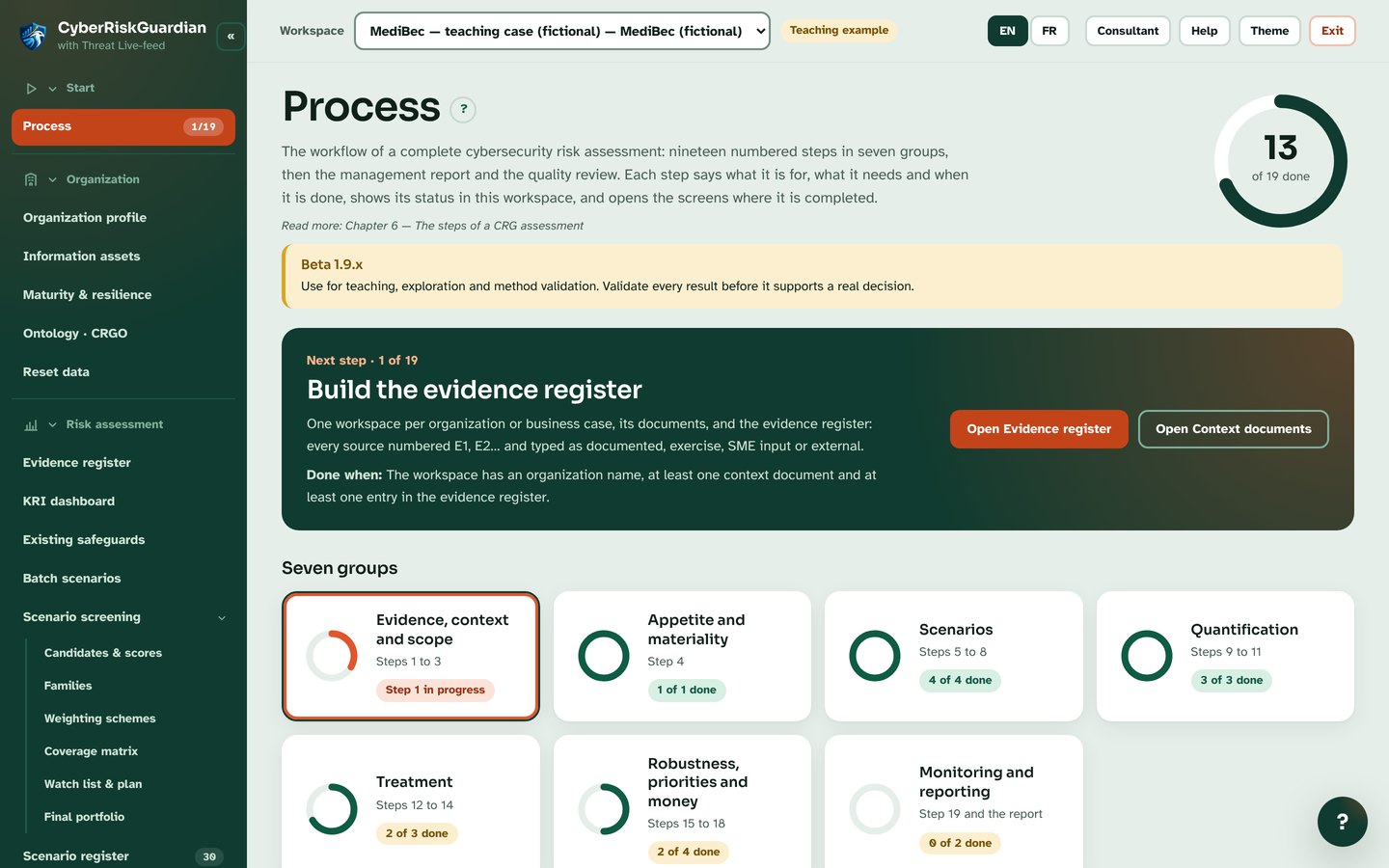
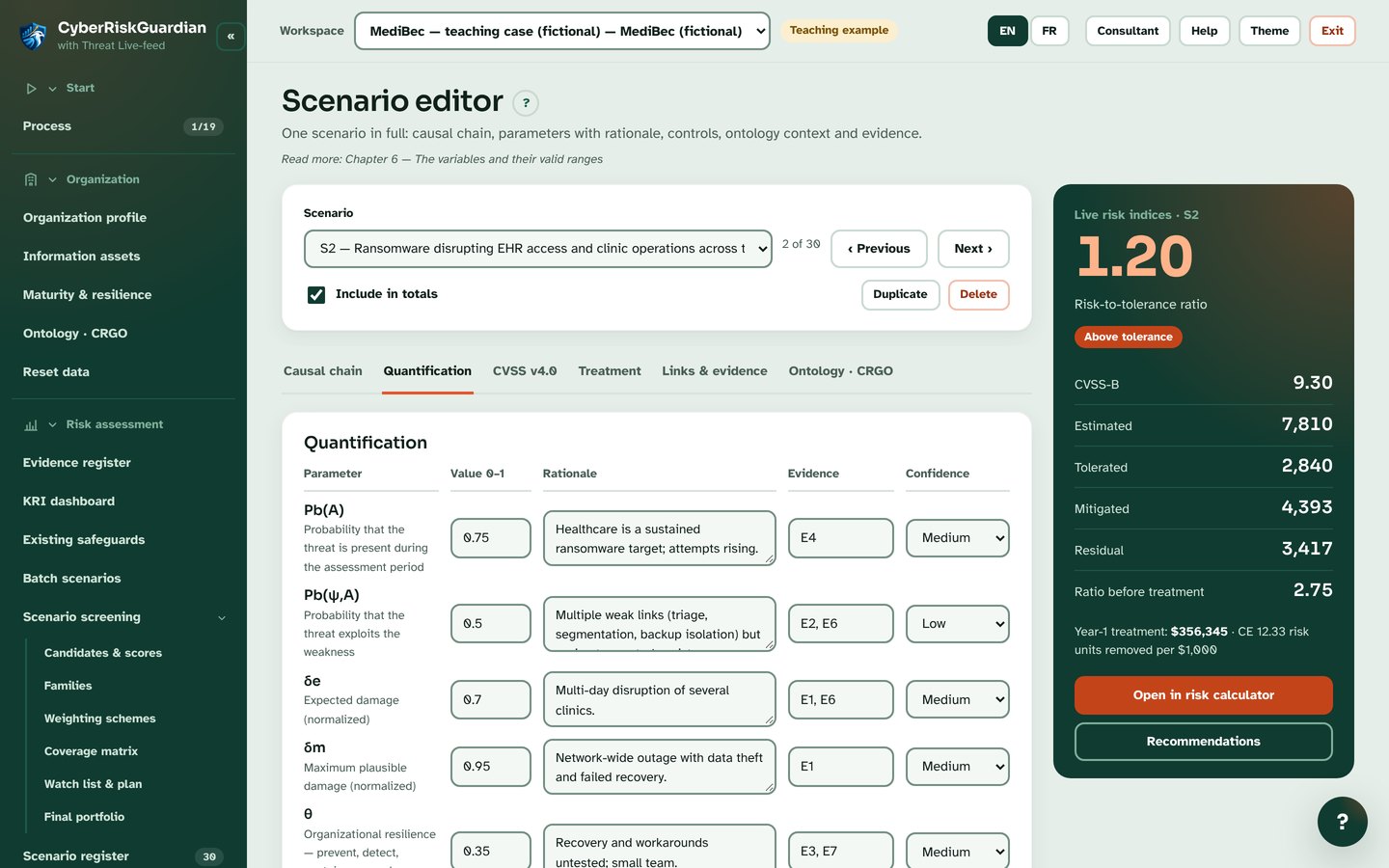
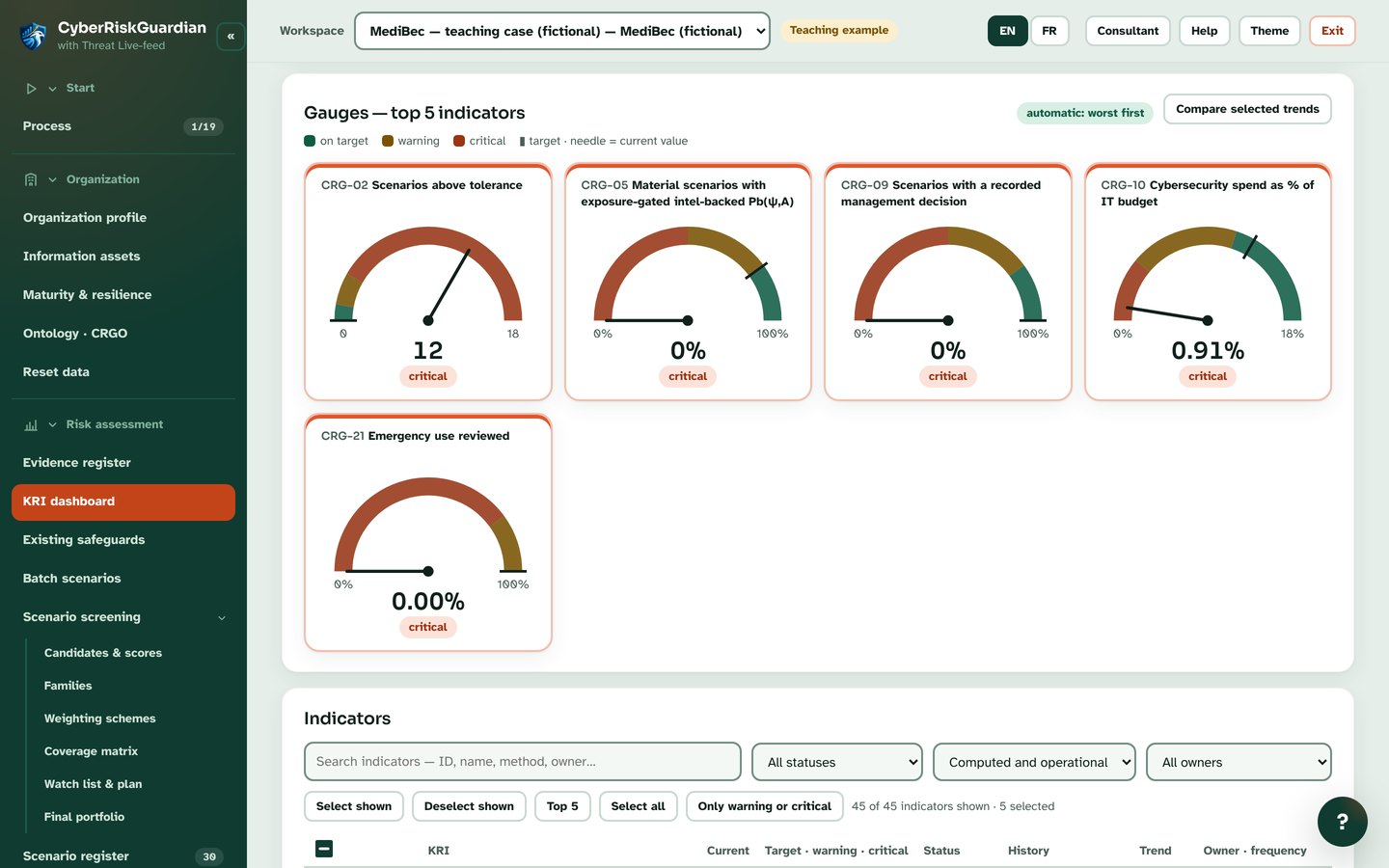
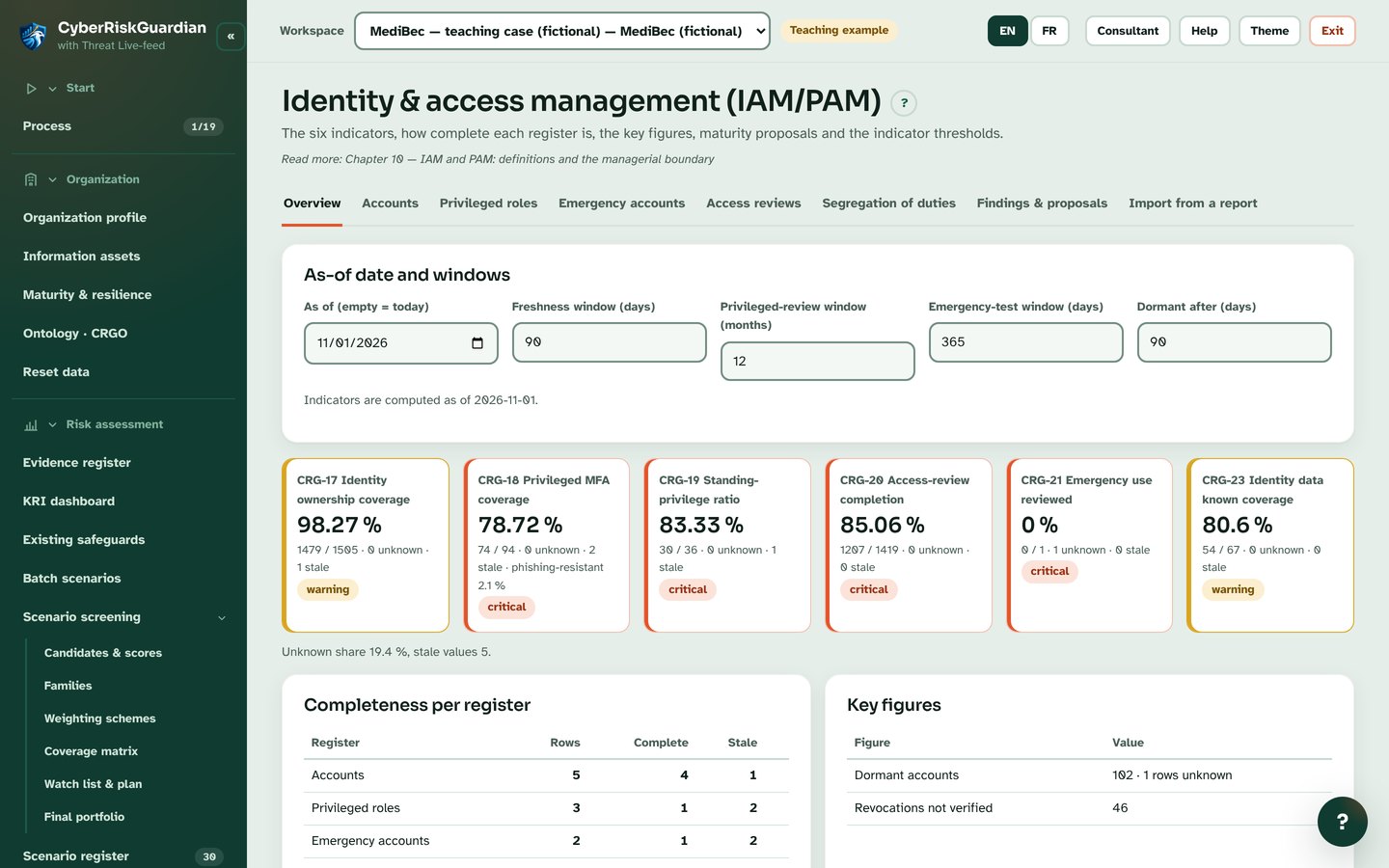
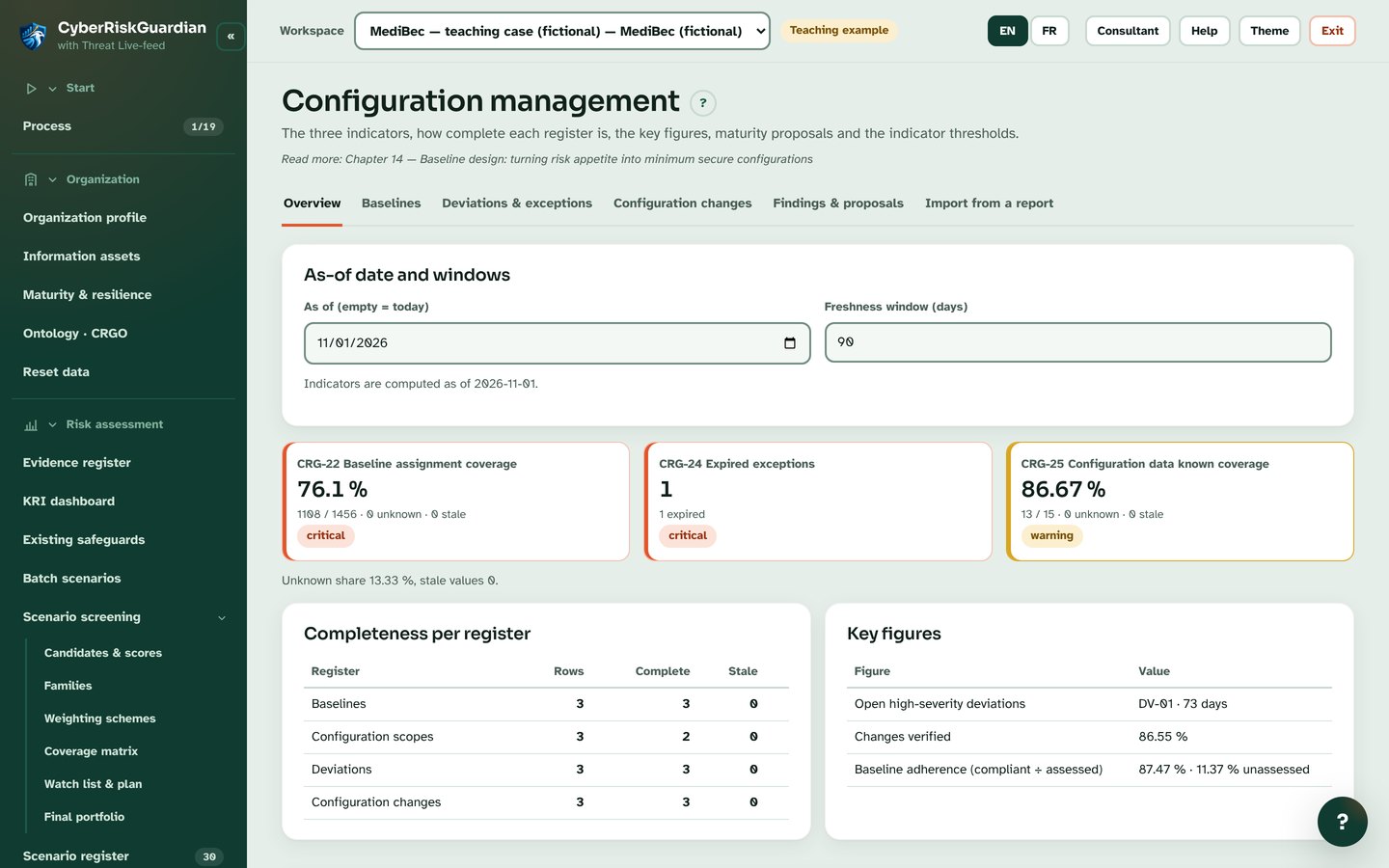
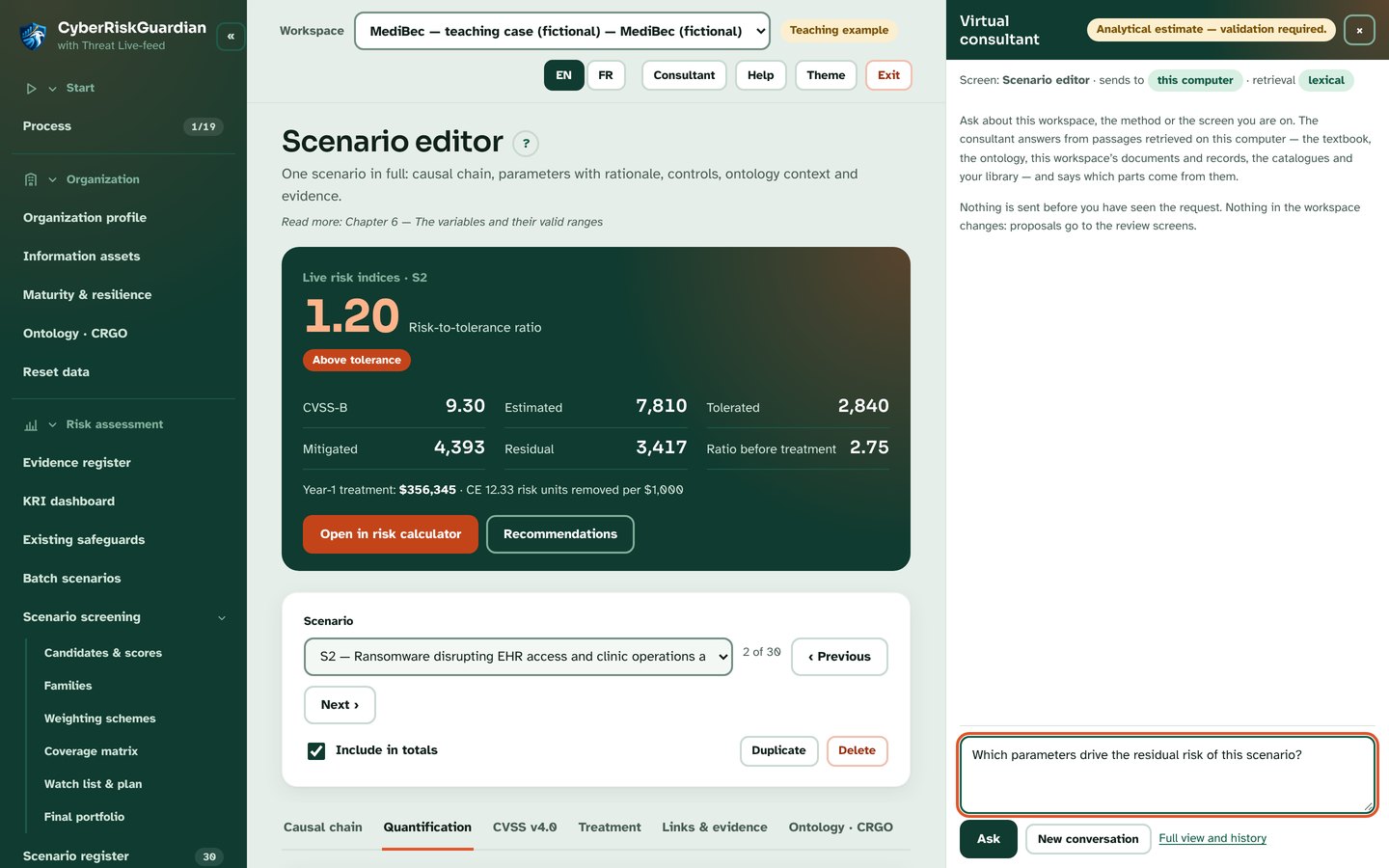
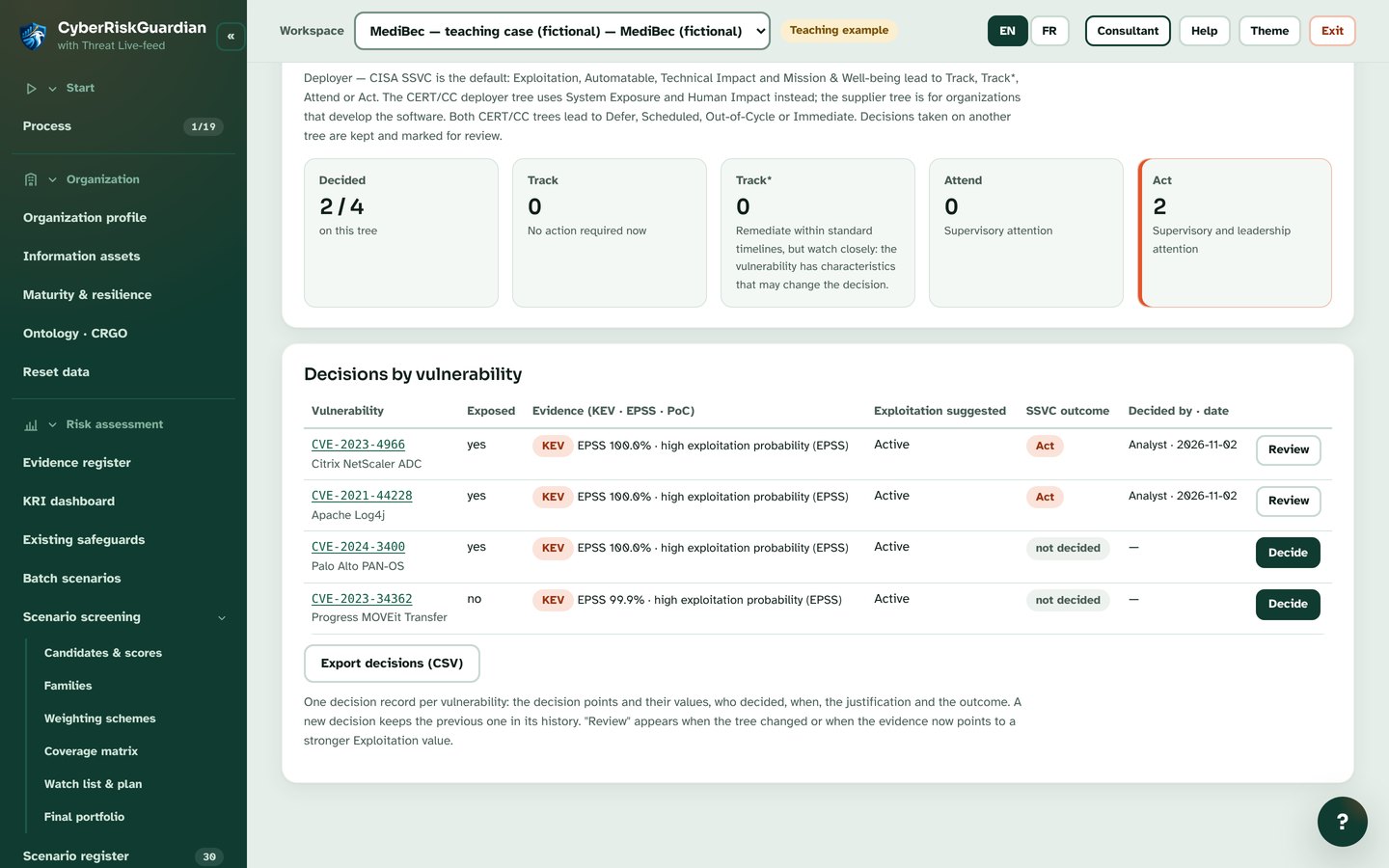
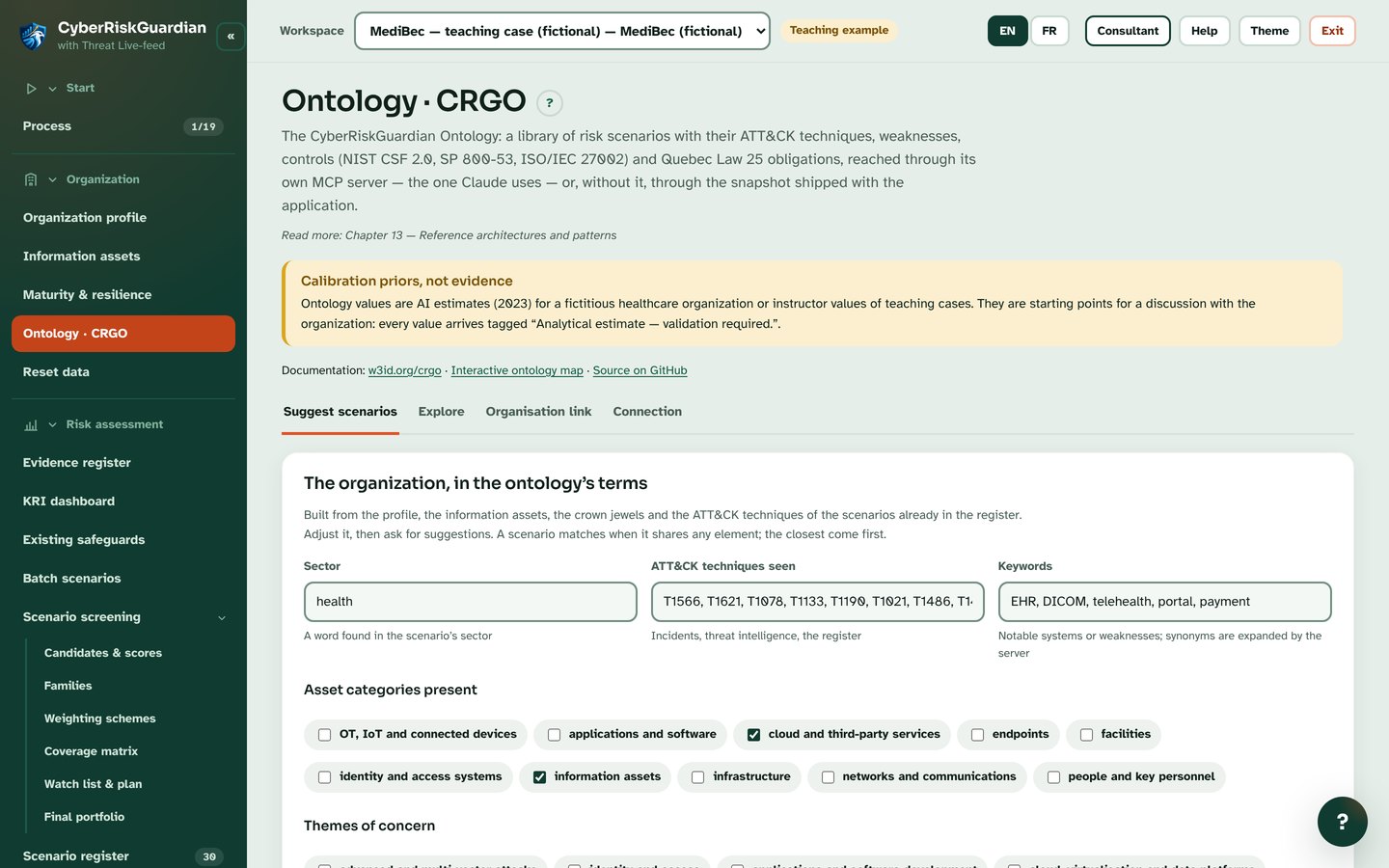
Video
CyberRiskGuardian Desktop 1.7.0 Beta
Thirteen guided steps, threat-feed triage, the new Security Policy Writer, compliance and audit, and the CRGO ontology. AI through Claude or a local model, with each request shown; works offline. Beta testers welcome. This video shows version 1.7.0; the current release is Desktop 1.9.0 Beta.
Watch on YouTube ↗